
Nullam dignissim, ante scelerisque the is euismod fermentum odio sem semper the is erat, a feugiat leo urna eget eros. Duis Aenean a imperdiet risus.
Nullam dignissim, ante scelerisque the is euismod fermentum odio sem semper the is erat, a feugiat leo urna eget eros. Duis Aenean a imperdiet risus.
 author
The audience may see a perfectly clean stage screen while the camera feed shows moving dark bands. Another shot may look stable but reveal a fine, wavy texture behind the presenter. Those are two different faults. Buying a smaller pixel pitch or quoting a higher refresh number will not automatically solve both.
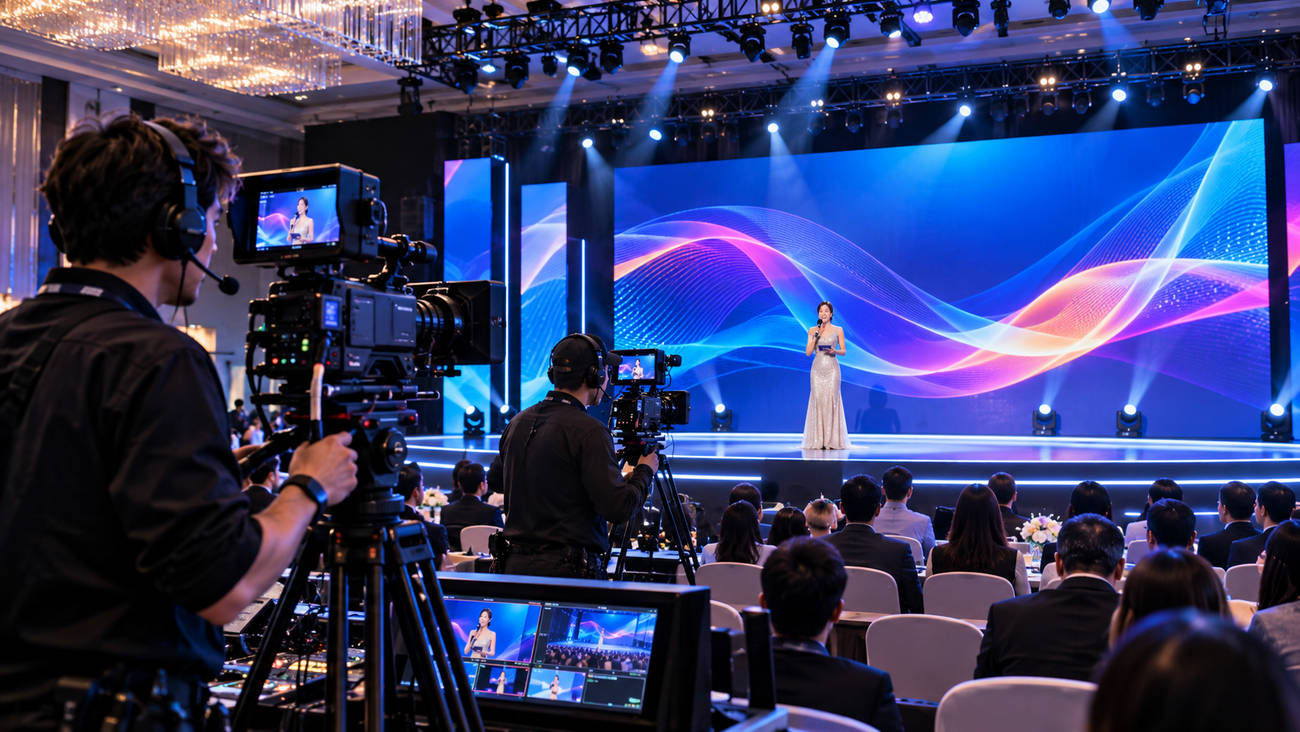
Figure 1. Illustrative filmed event with a rental LED stage wall and live cameras; not footage of a documented project.
For a recorded awards show, launch event or hybrid conference, the LED wall has to work through a lens as well as to the eye. A short pre-production camera test can prevent the crew from discovering the difference during rehearsal. Here is how to set up that test and interpret what it shows.
Moiré is a spatial interference pattern. The regular grid of LED pixels and the camera sensor’s sampling grid can produce ripples or false detail in a recorded image. It may appear in one focal length or framing and disappear in another. Banding is primarily a timing problem: parts of the LED image are sampled differently during the camera’s exposure or readout. It can show up as horizontal dark or bright lines, sometimes moving through the frame.
This distinction matters because the remedies are different. A focus or distance change can improve moiré while leaving rolling bands untouched. A shutter adjustment may remove bands while the visible pixel pattern remains. ARRI’s guidance on LED-wall camera artefacts likewise treats synchronisation and moiré as separate test questions.
|
What appears in the recording |
Likely area to investigate |
First useful test |
|---|---|---|
|
Wavy, repeated patterns that change with framing |
Spatial moiré / aliasing |
Change camera distance, focal length or screen focus |
|
Dark or light horizontal bars, sometimes rolling |
Exposure / LED timing mismatch |
Compare shutter settings and processor timing |
|
Visible pixel texture or soft sponsor text |
Pixel pitch, resolution and focus |
Test the approved content at final framing |
|
Poor gradients at low screen brightness |
Panel drive, grayscale or processor settings |
Repeat at the show’s actual dimmed output |
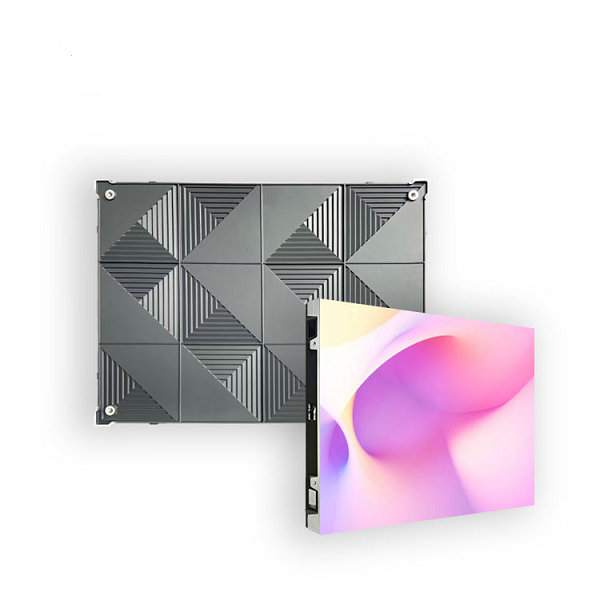
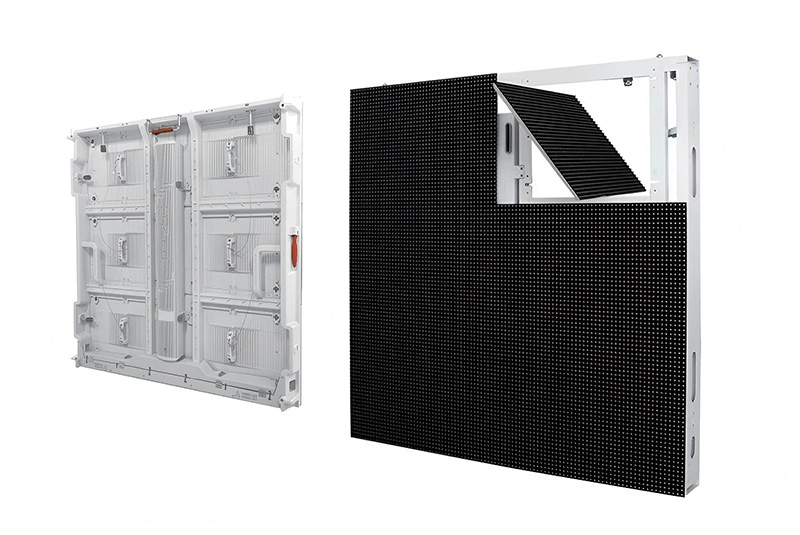
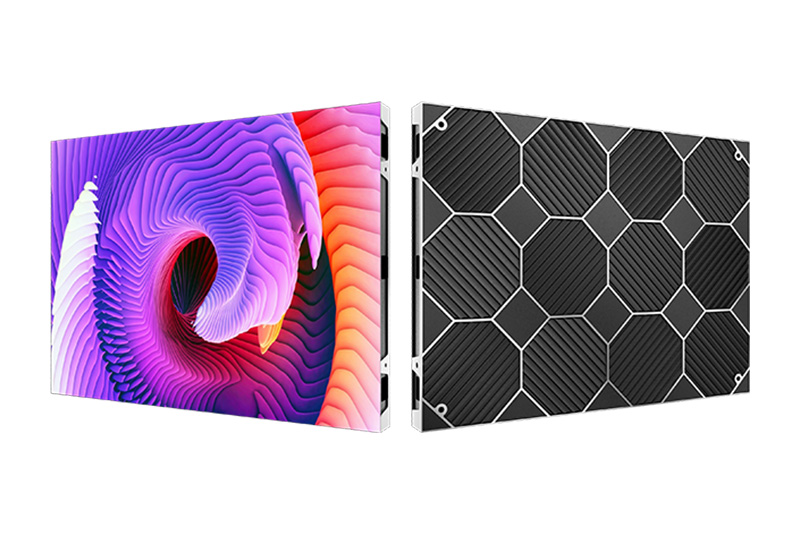
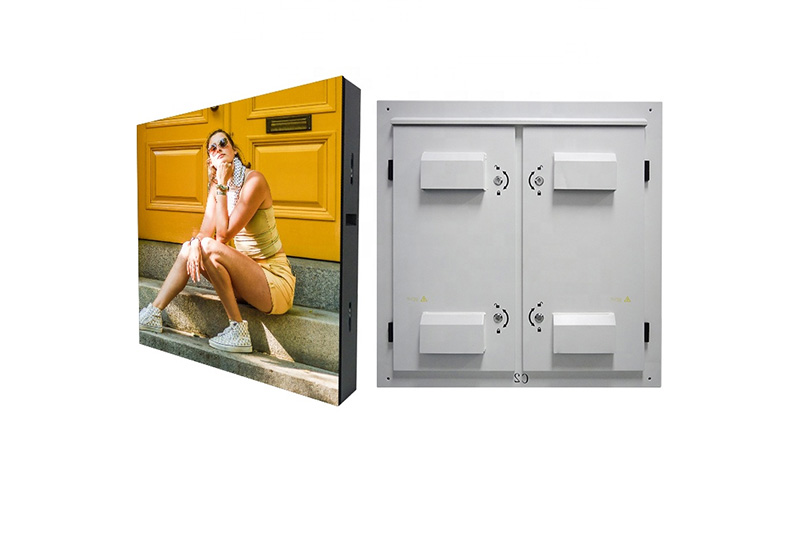
Longcheng’s stage rental LED display range includes P2.604, P2.97, P3.91 and P4.81, with published approximate minimum audience viewing distances of 2.7 m, 3 m, 4 m and 4.8 m respectively. Those distances are useful for the people in the room. They are not camera-moiré guarantees.
Imagine an awards presentation with three planned images: a wide shot of the stage, a medium shot showing the speaker and screen, and a close shot in which a logo fills part of the background. The camera may be farther from the wall than the first-row audience, yet the close shot enlarges the LED texture in the recorded frame. The lens, sensor, aperture, focus and exact composition therefore belong in the pitch test.
Compare two plausible pitches using the same lens and approved graphic. A finer pitch may retain more detail in a close shot, but it also changes the spatial relationship between the wall and the sensor. The winning choice is the combination that passes both audience legibility and the recorded camera test—not the smallest number in a catalog.
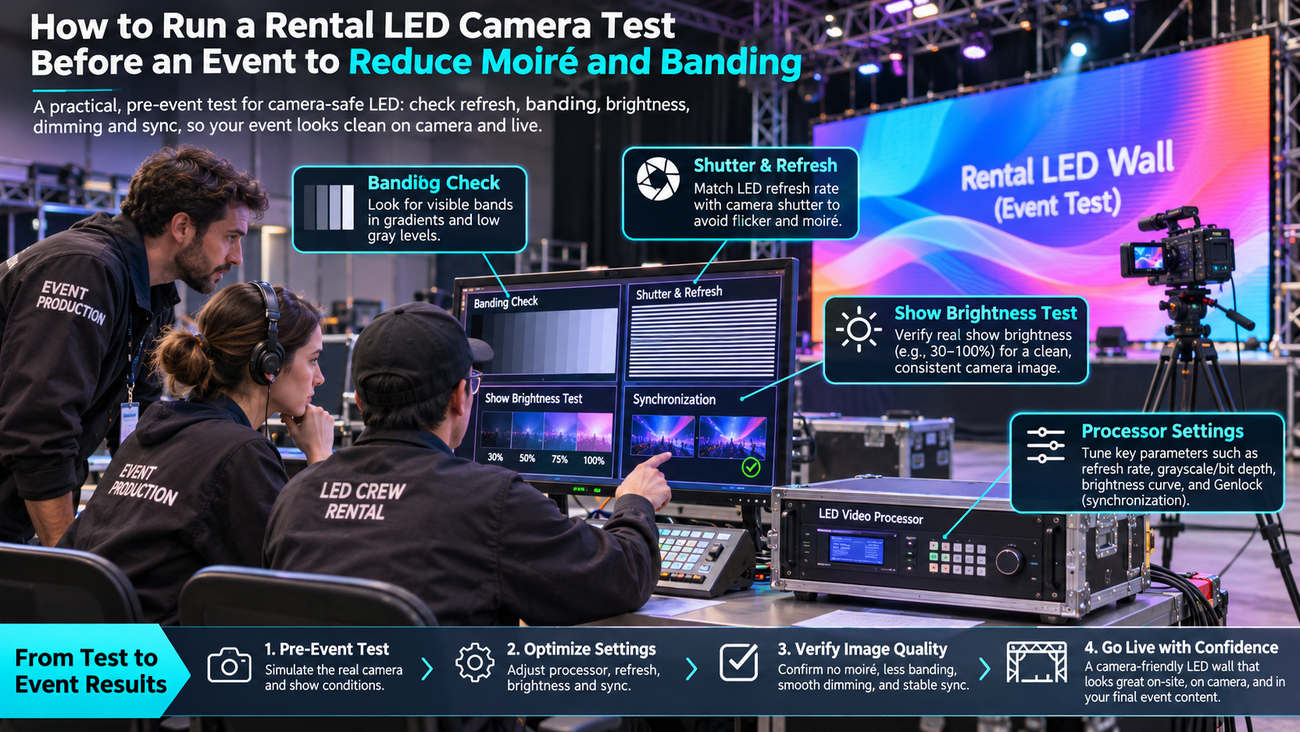
Figure 2. Illustration of camera-framing and pixel-pitch comparison; any checkmarks represent a proposed workflow, not verified performance.
Bring the intended camera model and lens if possible. Use the show frame rate, shutter speed or angle, picture profile and planned screen brightness. Ask the LED technician to document the selected cabinet, processor, refresh and scan settings. If the equipment changes before show day, repeat the relevant parts of the test.
Real show graphics: sponsor marks, fine text, gradients and the actual motion backgrounds. These expose failures the generic demo reel may hide.
Neutral test frames: white, black and mid-gray fields plus a smooth grayscale gradient, checked at both show brightness and a lower output level.
Moving shots: record the planned pans, tilts, zooms and focus pulls. Some unwanted patterns appear only while the camera moves.
Capture a short recording for each significant setup and inspect the original footage at full resolution, not just the venue confidence monitor. Label clips with pitch, camera, lens, distance, frame rate, shutter, display brightness and processor settings. The test is useful only if someone can reproduce the combination that passed.
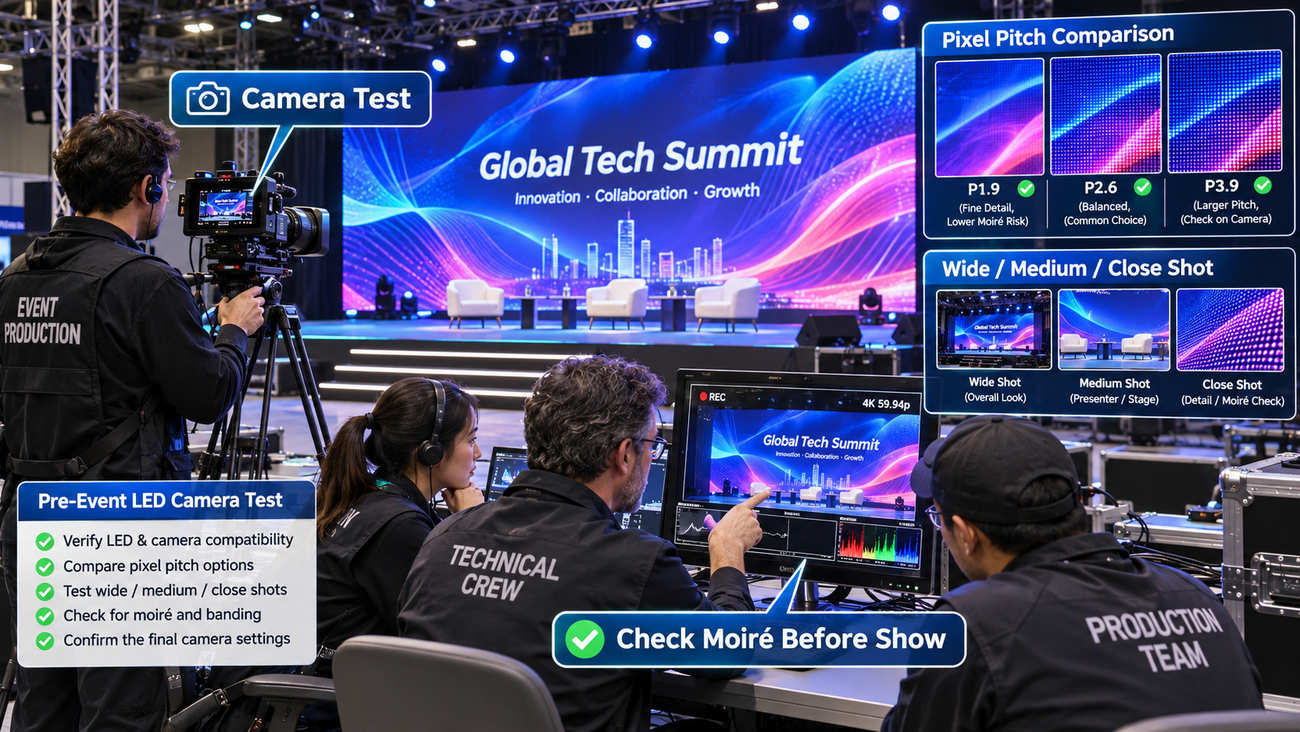
Figure 3. Illustration of pre-event camera tests for moiré, banding, dimming and processor settings; not an actual laboratory report.
The published rental specification lists a 1,920–3,840 Hz refresh range across configurations. That does not mean every supplied cabinet operates at 3,840 Hz, or that 3,840 Hz guarantees a clean feed from every camera. Also distinguish LED refresh from the 50/60 Hz—or other—video frame rate fed into the processor.
When bars appear, hold the shot still and document the failing camera and display settings. Test suitable shutter angles or speeds; check the LED processor’s output and panel scan configuration with the technician. If the complete system supports common reference synchronisation, evaluate it under the production team’s supervision. Do not assume that specialized shutter-sync or genlock features are included with Longcheng’s standard rental package; processor compatibility must be verified separately.
One source of confusion is dimming. The screen may look acceptable at a bright trade-show setting and exhibit bands or weak dark grays once it is reduced for a stage spotlight. Repeat the camera check at the actual show setting. A clean full-brightness demo is not evidence that the dimmed show will record cleanly.
Start with the shot that fails, not with a new equipment order. Adjust the distance between camera and wall where the venue allows. Try a modest change of focal length, aperture, framing or focus placement while keeping the presenter sharp and the creative intent intact. A background that is slightly out of focus can appear cleaner than one in which the LED pixel grid is fully resolved.
Then compare the alternative pitch on the same shot. An apparent improvement in a wide image is not a pass if the production depends on a close crop. Similarly, a camera-friendly pitch cannot rescue text that was designed too small for the audience. Approve the configuration against the most demanding real shot, while keeping visual legibility on site.
Create a small camera-test log instead of a general “camera-friendly” tick box. One row per camera setup is enough, as long as the record is specific.
|
Record |
Example field |
Acceptance question |
|---|---|---|
|
Capture setup |
Camera / lens / focal length / distance / FPS / shutter |
Was the actual planned shot tested? |
|
LED setup |
Cabinet pitch / processor / refresh / scan / brightness |
Can the technician restore the passing setup? |
|
Visible result |
Moiré / rolling bands / gradients / text / seams |
Do defects remain in the recorded footage? |
|
Decision |
Pass, change settings, or retest |
Who accepts the result and signs off? |
If camera settings change during the show, document which alternatives passed. Multi-camera productions may need separate results for each body and lens combination; one clean handheld clip does not establish performance for an entire broadcast chain.
Cabinet count, flight cases, venue power and transport are essential, but they answer a different question. They belong in the broader rental LED quotation and logistics checklist. This article addresses whether the chosen screen records properly under the actual production settings.
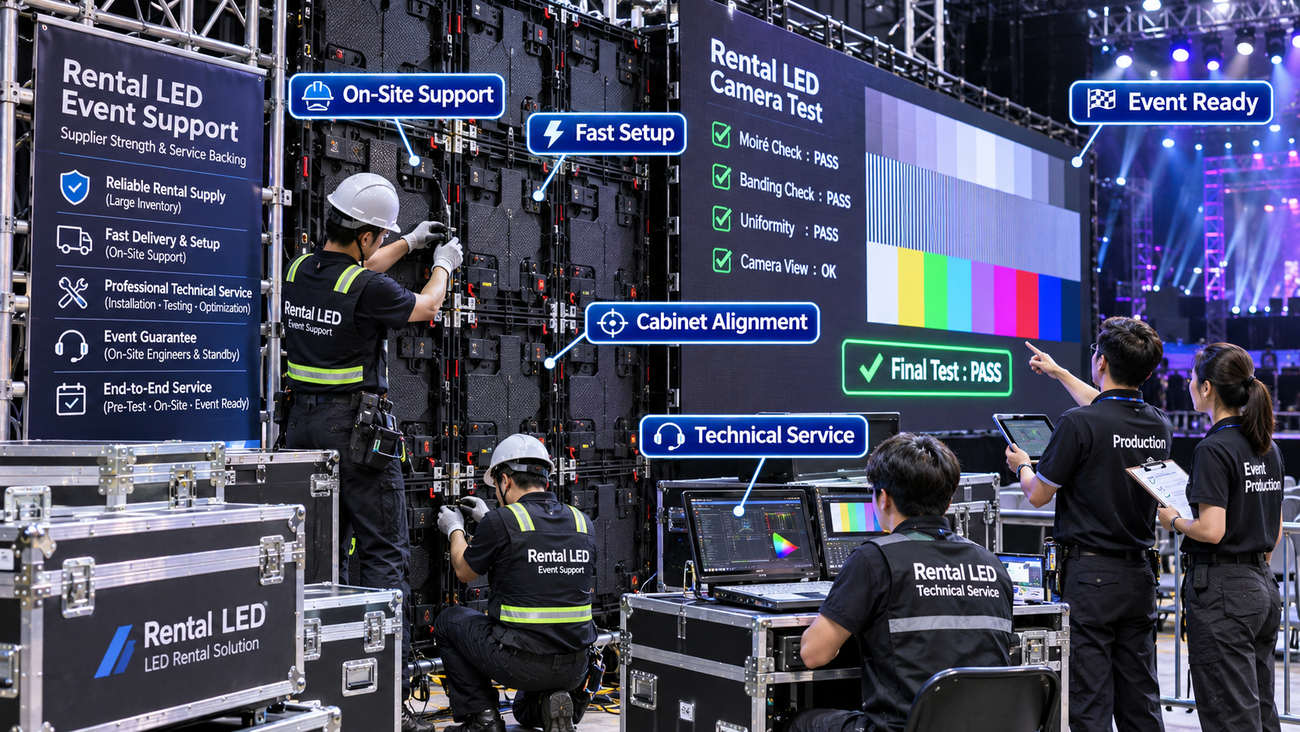
Figure 4. Illustration of technician commissioning and final camera checks; displayed PASS labels do not constitute tested product performance.
For a filmed project, identify who supplies the processor, who can change its settings during rehearsal, and who signs off the recorded test. Longcheng’s service overview describes event-site support and commissioning capabilities; confirm the scope and dates in the order. The most useful inquiry through the contact page includes a camera list and one or two representative shots, not simply a request for the highest refresh rate.
No. The result also depends on camera shutter timing, scan mode, processor behaviour and the chosen brightness. Test the supplied system under the intended recording settings.
No. It changes the LED grid sampled by the sensor, but moiré also depends on lens, focus, camera distance and framing. Compare actual recordings.
Eyes and cameras sample light differently. The sensor can record spatial interference or timing artefacts that viewers do not notice at the venue.
A labelled recording and settings sheet for the critical shot, with a documented pass or correction. Keep the test file so the same conditions can be checked again at rehearsal.












Leave a comments