
Nullam dignissim, ante scelerisque the is euismod fermentum odio sem semper the is erat, a feugiat leo urna eget eros. Duis Aenean a imperdiet risus.
Nullam dignissim, ante scelerisque the is euismod fermentum odio sem semper the is erat, a feugiat leo urna eget eros. Duis Aenean a imperdiet risus.
 author
Which file would you rather not put on the screen in your current meeting room? Perhaps it’s the worksheet with the narrow columns, the one that nobody beyond the middle seats can read. Take that file to the supplier’s demonstration. Try it on the proposed fine-pitch LED display, and then on the LCD video wall. You’ll have a much more useful comparison than you would get from watching bright landscape footage on either screen.


Think about yesterday’s meeting, or the next one in the diary. Who will bring a laptop? Where will everybody sit? Will a drawing share the screen with a video call? Those answers are more helpful at this stage than a preference for either display technology.
For an engineering team, that might be a drawing whose dimension labels disappear from the back row. For finance, it could be a worksheet shown beside a video call. Keep the normal laptop scaling and conferencing layout. Zooming in may make a number readable, but how much of the worksheet remains visible? You’ll want to know before buying.
Try the nearest chair as well as the back row. Sit where people will actually work, rather than at a convenient point in the showroom. If the supplier gives a recommended viewing distance, compare it with those positions and spend a few minutes reading the files from each one.
“Supports 4K” can describe the processor’s input, not the LED wall itself. Ask for the drawing that identifies every cabinet and adds up the physical pixels. For LCD, ask how the source is spread across the panels and how many pixels are available on each. The two drawings let you check what happens between the laptop output and the image on the wall.
With LCD, you’ll see borders wherever the panels meet. You might scarcely notice them on a landscape image, then find that one runs straight through a label on your drawing. That’s why the ordinary files are useful in this trial.
An LCD processor may offer bezel compensation. This allows for the borders when placing the image, with some of the picture hidden behind them. Move a drawing across a joint while that setting is active. You can then see whether a label disappears and whether the presenter has to move it back. Let a regular user of the room try this, rather than deciding entirely from the supplier’s prepared content.
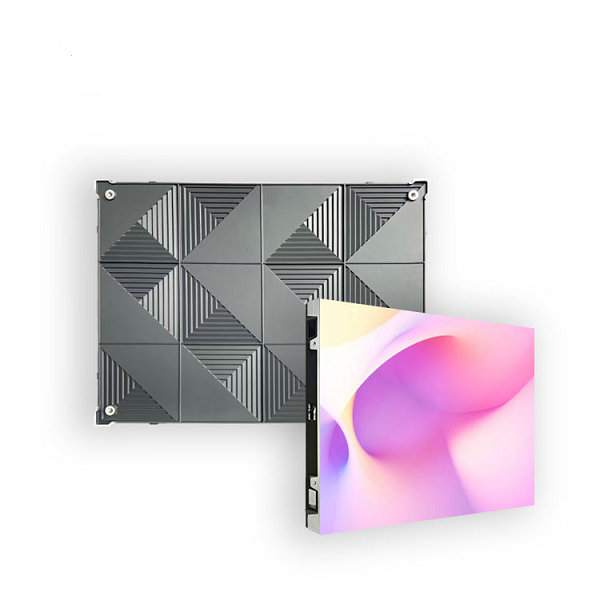
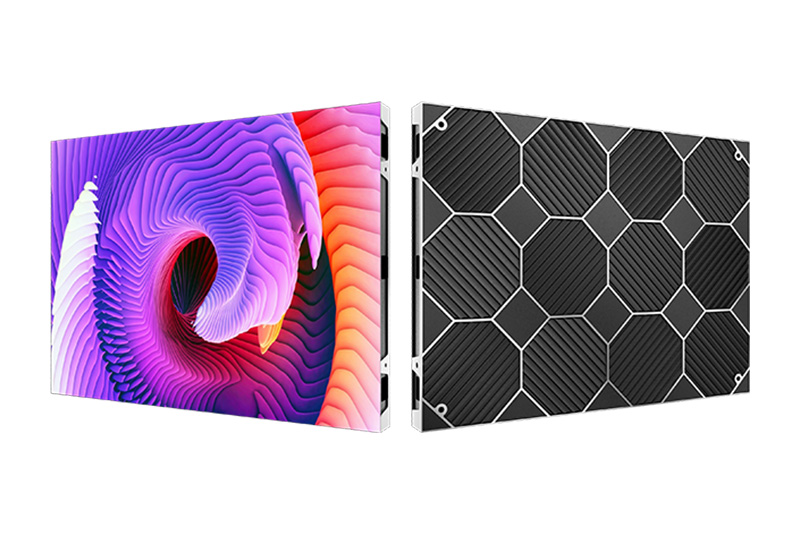
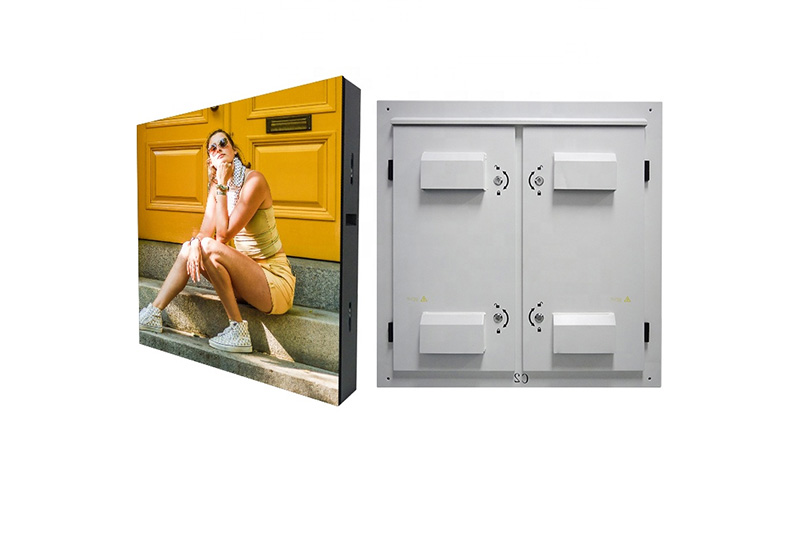
The LED picture can continue across cabinets without LCD bezel strips, although poor alignment or a color mismatch can still reveal a joint. Longcheng’s P1.8 Indoor LED Display Panel uses a published 640 × 480 mm cabinet format. The listing covers several pitch options; its table includes 1.86 mm. Ask which version the quotation contains before using “P1.8” in a resolution calculation.
A large continuous drawing is a good reason to investigate LED. So is a room layout that benefits from a screen built to a particular cabinet grid. Those benefits need to survive a normal meeting with the lights on.
Have the supplier reduce the display to a comfortable meeting setting. Review dark slides and faces as well as white worksheets. For reference, Longcheng lists 800 nits and 3840 Hz on the P1.8 page. You still need to see the screen at the setting your room will use. Bring the intended camera into that trial. Beware of treating a quoted LED refresh figure as equivalent to an LCD frame rate: they refer to different operations, not a shared scale for ranking the two screens.
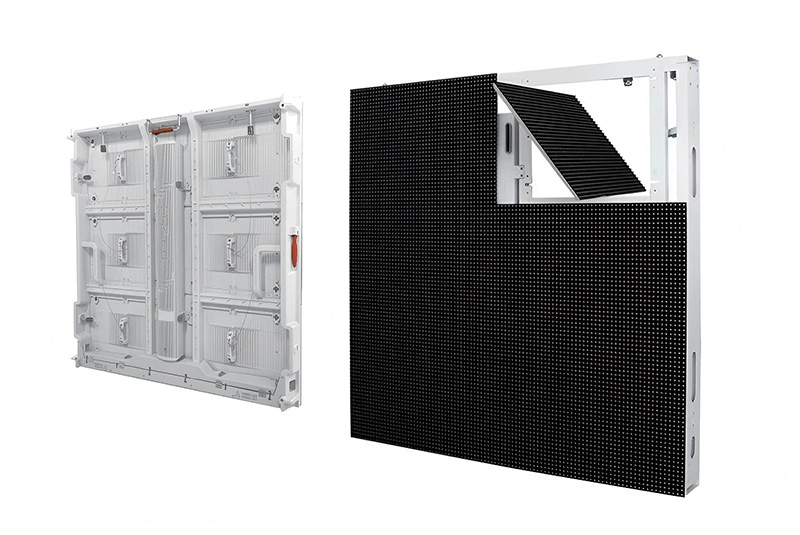
A recessed installation can leave little space for a technician’s tools. The P1.8 specification table lists full front service, which should be confirmed for the quoted assembly. Ask to see how a module comes out, where it will be placed and what happens to the surrounding trim. Longcheng’s installation and training services can be discussed while those access details are still being designed.
Perhaps most of your meetings involve reading desktop content at fairly close range. In that case, give the LCD proposal a proper trial. How much of the worksheet fits while the text stays readable? Where do its borders fall? You may find that the panel grid works perfectly well for the content your team shares.
There is still a quotation to examine. For LCD, check the commercial panel’s operating-hour rating and the specified mounts and processor. Find out what happens when a panel needs replacing. With LED, that conversation concerns modules and their calibration. Neither quote should quietly assume that future replacement parts will look identical to an aged wall.
Send each supplier the same room drawing and content samples. Include source devices, usable wall dimensions, meeting hours and the conferencing setup. You’ll need a matching scope before comparing the totals; a price for panels alone can’t be compared directly with an installed room system.
Read down the cost sheet for the supporting structure, electrical work and cabling. Is the processor there? Does the supplier include commissioning? Who will answer a connection question at the first meeting? Before signing off, have an ordinary user connect a laptop, change sources, join a call and restart the system. The supplied instructions should be enough to repeat those operations without the installer standing beside them.
For the LED side of your comparison, Shenzhen Longcheng Photoelectrictechnology Co., LTD. offers small-pitch products within its indoor and outdoor display manufacturing range. The P1.8 cabinet listing is one candidate for a permanent meeting-room wall. Send the room measurements and representative files when requesting a configuration. A quotation identifying the actual pitch, finished resolution, service access and control equipment gives your procurement team something concrete to compare with LCD.
The demonstration may leave you with a clear preference, or it may send both suppliers back to revise their layouts. Either outcome is useful. You will have seen where the LCD borders fall and what detail the quoted LED configuration can reproduce. Keep the room drawing and difficult files with the proposals so the final approval refers to the setup you’ve tested.
No. A smaller physical pixel grid may show more detail at close range. Finished resolution, source scaling and seating distance also affect what people can read. Compare the proposed systems with the same file.
No. The selected pitch and cabinet layout determine its native resolution. A processor capable of receiving 4K cannot add physical pixels to the LED face.
Ask to see the replacement procedure for each quotation. Access, matching spare parts and the agreed support arrangements matter more than a general claim about either technology.
Title: LED Display Panel Inspection: Pre-Shipment Checklist
Description: Check LED display panels before shipment, including cabinet fit, picture tests, control settings, spare modules and packing records for rental projects.
Keywords: led display panel, led display panel inspection, led display panel quality check











Leave a comments