
Nullam dignissim, ante scelerisque the is euismod fermentum odio sem semper the is erat, a feugiat leo urna eget eros. Duis Aenean a imperdiet risus.
Nullam dignissim, ante scelerisque the is euismod fermentum odio sem semper the is erat, a feugiat leo urna eget eros. Duis Aenean a imperdiet risus.
 author
An indoor LED wall often runs smoothly for years. Still, its starting pixel pitch might restrict its daily use over time. A business might decide to swap a P1.95 wall for P1.25 modules. This swap allows for clearer dashboards. It also helps with closer viewing and 4K content. Swapping out the whole structure, cabinets, power system, and modules costs a lot of money. It also causes major workspace disruptions. For certain setups, you can just change the LED modules and a few electronic parts. But there is a catch. The current cabinets need a design that handles various pixel pitches. Installers must verify every single mechanical, electrical, and control-system detail before starting the upgrade.

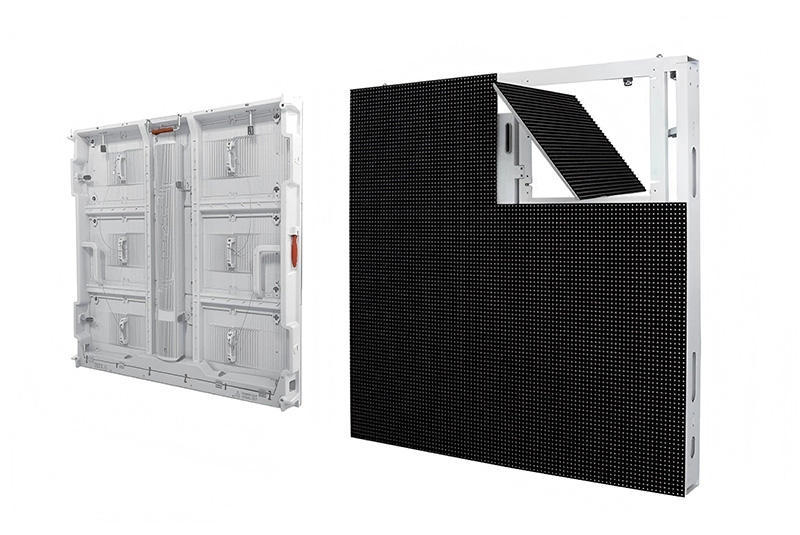
The quick answer is yes. This only works if the LED wall relies on a matching modular cabinet platform. The LED module dictates the actual pixel pitch. Meanwhile, the cabinet simply houses those modules. It also holds the power supplies, receiving cards, cables, and main structural parts.
A basic upgrade makes sense when the current cabinet fits modules with the exact same physical sizes. The mounting points, connector spots, and power links must also line up perfectly. Take a universal cabinet as a good example. It might easily hold P0.9, P1.25, P1.53, P1.8, and P1.95 modules.
Under these conditions, installation teams can keep the main mounting structure. They can also save the cabinet frame. They only need to replace the following items:
LED modules;
receiving cards or hub boards;
selected power supplies;
data cables;
calibration files and control-system settings.
This method cuts down on setup labor. It lowers construction waste. It also minimizes daily business delays.
You usually need to replace the cabinets if the fresh modules fail to fit the old mounting grid. They might also need different connectors, voltage levels, cooling methods, or data setups. A finer-pitch module holds far more pixels. This jump in pixel count demands heavier data processing.
Holding onto a mismatched cabinet leads to problems. It can cause messy seams and too much heat. It might also trigger shaky power flow or image-mapping faults. Any money saved on upfront hardware often vanishes later. You end up paying for constant repairs and dealing with screen downtime.
A smooth pixel-pitch change takes extra effort beyond just checking the module size. Buyers need to ask for a formal compatibility report. They can get this document from the manufacturer or the system integrator.
The module width, height, and thickness must align with the cabinet perfectly. The mounting points, magnets, locating pins, and connector spots must match too. Just a tiny alignment mistake creates obvious lines across a fine-pitch LED video wall.
Installers must also test the mounting structure for overall flatness. Finer-pitch displays highlight cabinet-level alignment flaws very quickly. This happens because viewers tend to stand much closer to these specific screens.
Shrinking the pixel pitch drives up the pixel density. A P1.25 module packs roughly 640,000 pixels into one square meter. Meanwhile, a P1.95 module holds around 263,000. Therefore, the P1.25 setup handles over twice the amount of pixels in that exact same space.
Teams must recount the receiving-card limits and data bandwidth. They also need to check the scan configuration, video processors, and power routing again. Old parts should never stay in place just because they still turn on.
Fresh modules require careful tuning for brightness and color temperature. They also need checks for grayscale and low-brightness output. Mixing different module batches leads to ugly color blocks. This issue stands out clearly against gray backgrounds. It also ruins skin tones and specific corporate colors.
A solid upgrade plan brings in factory calibration data. It involves on-site color fixes as well. Camera testing is also vital if the wall shows up during livestreams or video meetings.

The smartest upgrade is not always the smallest pitch on the market. Buyers must weigh the needed resolution against the closest viewing distance. They should also look at the planned content type and the full lifecycle cost.
A true 4K image holds 3,840 horizontal pixels. You can find the rough screen width with a simple math step. Just multiply 3,840 by the chosen pixel pitch:
| Pixel pitch | Approximate width for native 4K |
| P0.9 | 3.46 m |
| P1.25 | 4.80 m |
| P1.53 | 5.88 m |
| P1.8 | 6.91 m |
| P1.95 | 7.49 m |
A P0.9 upgrade fits 4K resolution into a notably tighter area. However, its modules and processing demands usually carry a higher price tag. P1.53 or P1.8 setups often yield a stronger ROI. This is true when audiences sit further back. It also holds true if they mostly view large-format videos.
The financial plan must cover modules, receiving cards, and processors. It should also account for calibration, setup labor, spare parts, and shipping fees. Do not forget to factor in possible business downtime. Power usage and cooling demands need a close look too.
A module-only swap generally gives the best financial return. This happens when the cabinets and mounting structure stay in solid shape. It also works best when the new pixel pitch brings clear perks. Examples include sharper control-room data or highly readable meeting-room text. Better close-range retail visuals are another great benefit.

Shared installation stories highlight a key lesson. The pixel pitch must align with viewing conditions and content goals. It should never be picked based on price alone.
NexGen Resources installed a massive screen at their corporate headquarters. This LED wall measured nearly 24 feet wide by 9 feet high. It utilized a 1.2 mm pixel pitch to maintain crisp images for nearby viewers. This project proves an important point. Wall dimensions, viewing distance, and content details must blend well in a real corporate space.
Another great example comes from a public-utility control-room project shared by AVIXA. This specific site featured a 1.2 mm LED wall. It spanned roughly 60 meters in width and 2.7 meters in height. Its grand scale sends a clear message. Fine-pitch technology fits nicely into small meeting rooms. It also handles huge mission-critical monitoring centers with ease.

Strong supplier backing matters immensely. This support is vital when a project involves future module upgrades. It is equally important for custom cabinet layouts.
Shenzhen Longcheng Photoelectrictechnology Co., LTD. has built LED display products in Shenzhen since 2013. Their main lineup features indoor small-pitch LED displays. They also offer fixed screens, rental screens, standard modules, and essential accessories.
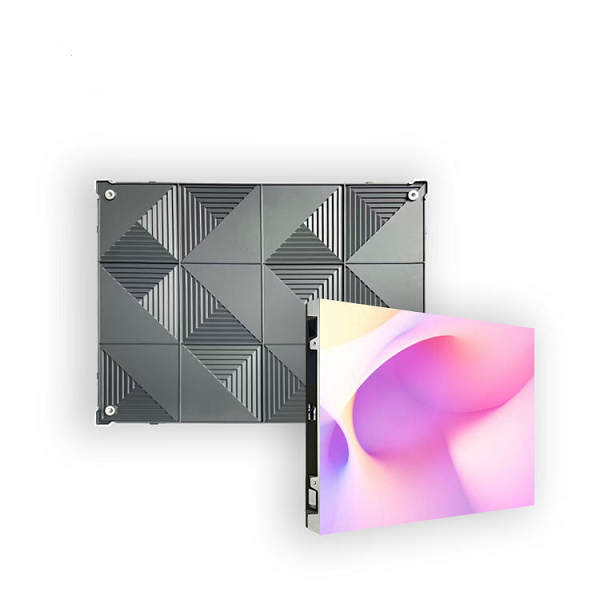
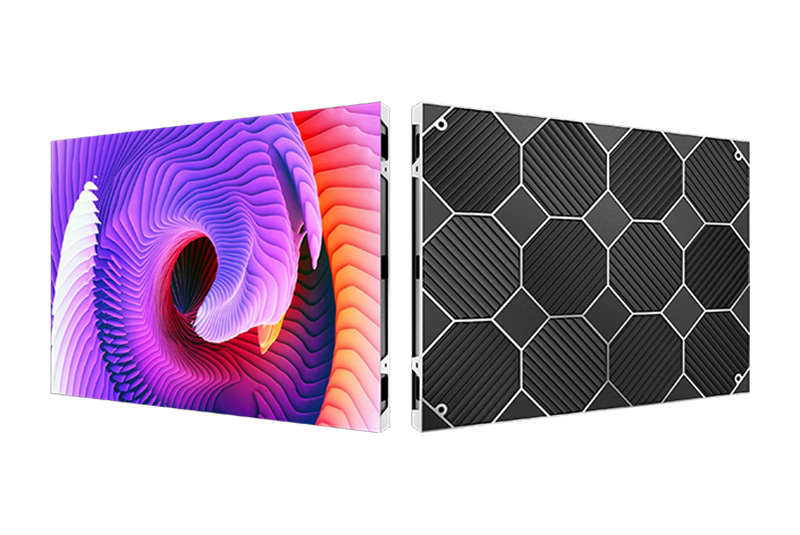
The brand’s Indoor Small Pitch High Resolution LED Wall Panel handles P0.9, P1.25, P1.53, P1.8, and P1.95 options. Their universal cabinet design aims to accept various module pitches. This smart feature helps eligible projects keep their cabinet framework during future upgrades. Buyers must still verify compatibility for every single project. They can do this by checking drawings, component lists, and formal technical tests.
You can successfully upgrade an LED wall’s pixel pitch without ditching the old cabinets. This only works if the original base was built for matching modules. A simple mechanical fit is never enough on its own. The power capacity and receiving cards must support the new setup. Processor bandwidth, heat control, and calibration steps must align too.
Buyers need to ask for a compatibility matrix before buying anything. They should also request a full upgrade quote. A carefully planned modular system drops future capital expenses. It cuts down on installation waste and shortens system downtime. On the flip side, a mismatched retrofit sparks major reliability headaches. These constant problems quickly wipe out any early financial savings.
It is entirely possible. However, the module dimensions and mounting system must match. The hub board, connectors, voltage limits, and receiving-card capacity must also align perfectly. You must get clear manufacturer approval before placing any orders.
Not always. A smaller pitch carries a higher price. It also forces the system to process way more pixels. The ideal choice relies heavily on the viewing distance and overall wall size. It also depends on the needed resolution, content details, and your total budget.
You need to share the current cabinet and module specs. Please include the screen dimensions and detailed installation drawings. Suppliers also need the control-system model and power setup details. Do not forget to list the viewing distance and required resolution. Finally, provide clear photos of the site and state your preferred replacement pixel pitch.












Leave a comments